How to Activate an eSIM – The Complete 2026 Guide
Updated: January 14, 2026
In 2026, eSIM technology has fully revolutionized global connectivity for travelers, remote workers, and digital nomads. Physical SIM cards are increasingly obsolete — no more airport hunts, fragile trays, or exorbitant roaming bills that can exceed $200–300 for a short trip.
What Exactly is an eSIM?

An eSIM (embedded Subscriber Identity Module) is a digital SIM built directly into your device's hardware. Providers remotely program and activate profiles — no physical card needed.
eSIMs store multiple profiles (switch instantly), support 5G/ satellite hybrids in remote areas, and integrate AI for plan optimization — making them essential in 2026.
Why eSIM Has Become Essential in 2026
Major carriers like Verizon, AT&T, and T-Mobile still charge $10–15 per day (or more) for international roaming — often $200+ for two weeks. Travel eSIMs deliver plans at $3–5 per GB (or unlimited options), covering 150–200+ countries with 5G in cities and emerging satellite backups for off-grid spots.
Key benefits include:
- Instant activation — buy online, scan QR, connect in seconds
- Multiple profiles — keep your home number for calls/texts via apps (WhatsApp, iMessage)
- Up to 90% savings vs. carrier roaming
- Enhanced security — no physical SIM to lose; features like ad blockers/VPN integration
- Eco-friendly — zero plastic waste
- Unlimited hotspot sharing + satellite options for remote travel
- AI-driven plans — some providers auto-optimize for speed/cost
Device Compatibility – Which Phones Support eSIM in 2026?
Most flagships from the last 6–7 years support eSIM. Here's the updated breakdown:
iPhone:
- iPhone XR, XS, XS Max and newer (2018+)
- iPhone 14–17 series (US models are eSIM-only; global varies)
- Supports 8–20+ profiles (iOS updates expand this)
Samsung Galaxy:
- Galaxy S20 series and newer (S20–S26, including S25/S26 flagships)
- Galaxy Z Fold/Flip series (all generations)
- Many A-series/mid-range (A52+)
- Supports 5–10+ profiles
Other brands: Google Pixel 3+ (up to Pixel 10 series), recent OnePlus, Motorola, Oppo, Vivo, Xiaomi, Honor, and select Huawei flagships. Check your model in Settings > About Phone > EID (if present, it's compatible). Most require an unlocked device.
How Travel eSIM Providers Work in 2026
Top providers like Saily (our top pick for affordability/privacy), Airalo (widest coverage), Nomad (short-trip value), Holafly (unlimited data), and Ubigi (speed/hotspot focus) sell short-term plans (7–30+ days). Buy online → get QR/code instantly → scan/install → auto-activates on arrival. Most are data-only (use apps for calls/texts), with emerging satellite add-ons for remote areas.
Common Myths About eSIM Debunked
- Myth: eSIM is complicated → Reality: Under 2 minutes with clear steps
- Myth: You lose your home number → Reality: Dual-active keeps it working
- Myth: Only premium phones support it → Reality: Mid-range from 2020+ often work
- Myth: Activation burns data → Reality: Starts on foreign network connection
This guide continues with step-by-step activation instructions next. Travel smarter, stay connected, and save big in 2026!
How to Activate an eSIM on iPhone – Step-by-Step 2026 Guide
Apple continues to offer one of the smoothest eSIM experiences. This guide covers every detail to install and activate an eSIM on any iPhone from XR/XS onward (including iPhone 14–17 series) running iOS 18, 19, or later in 2026.
Preparation Checklist Before You Begin
- Strong and stable Wi-Fi connection (at least 10 Mbps recommended)
- Latest iOS version installed (Settings → General → Software Update)
- QR code or activation details from your eSIM provider (Saily, Airalo, Nomad, etc.)
- Screenshots of confirmation email, QR code, and any manual codes saved offline
- Phone fully charged or plugged in during setup
Main Method: QR Code Activation (Fastest & Most Reliable)
- Open the Settings app on your iPhone
- Scroll down and tap Cellular (or Mobile Data in some regions)
- Tap Add eSIM or Add Cellular Plan
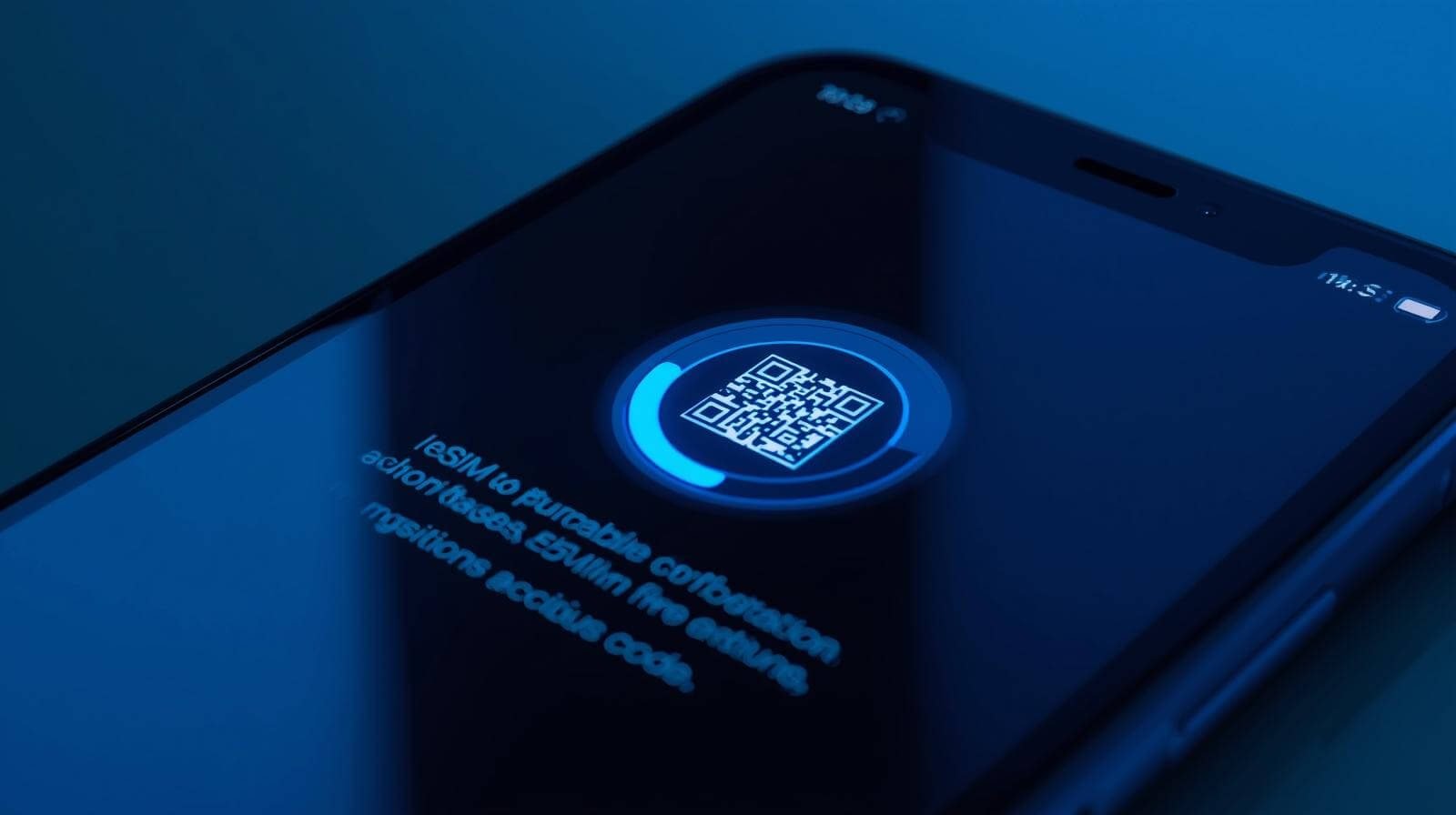
- Select Use QR Code
- Hold your phone steady and align the QR code within the camera frame — the iPhone detects it almost instantly
- When the plan appears, tap Continue
- Give the plan a clear label (e.g., "Europe 20GB Travel" or "Japan Data")
- Choose which line to use for Cellular Data — select the new travel eSIM
- Keep your primary line active for calls, texts, and iMessage
- Enable Allow Cellular Data Switching (this lets your phone automatically use the best available network)
- Go back to Cellular plans, tap the new eSIM, and turn ON Data Roaming
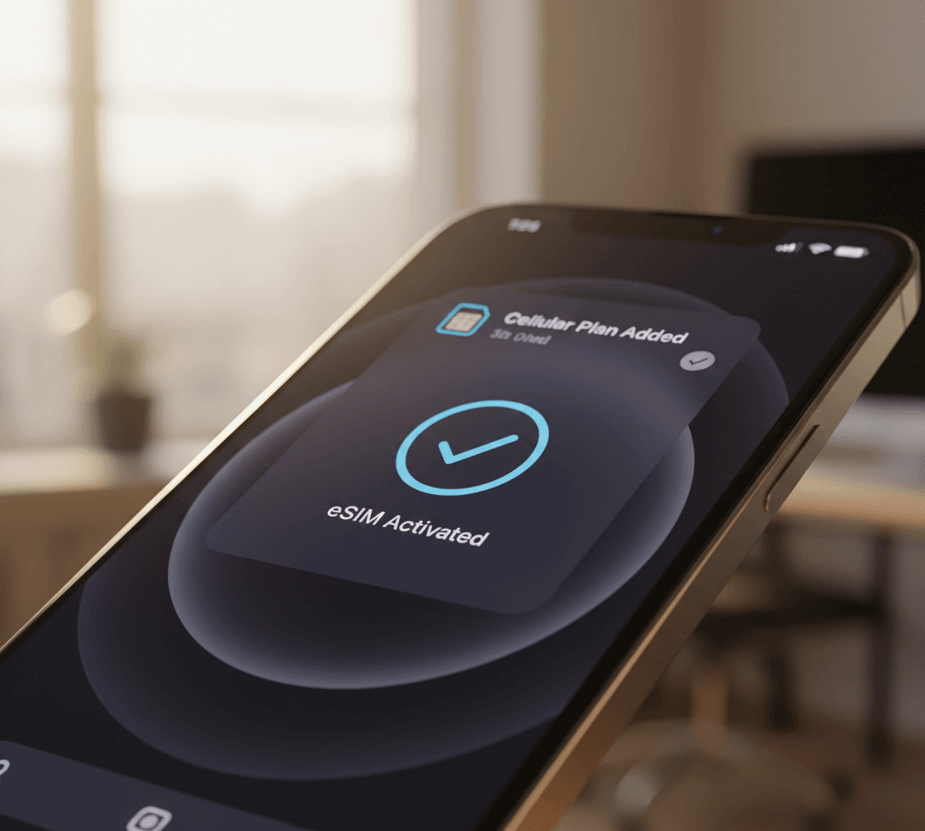
The profile downloads in 30–90 seconds. Once complete, you will see signal bars for the new line and can immediately use data. Newer iOS versions (18+) may offer customized setup for travel eSIMs.
Alternative Activation Methods
Manual Entry (if QR code fails):
- Go to Settings → Cellular → Add eSIM
- Choose Enter Details Manually
- Input the SM-DP+ Address, Activation Code, and Confirmation Code provided by your eSIM provider
- Follow the same labeling and data-roaming steps as above
Carrier App Activation:
Providers like Saily, Holafly, Airalo, Nomad, and Ubigi offer dedicated apps. Open the app, go to My eSIMs, and tap Install — the process is one-tap and automatic in 2026.
Quick Transfer from Old iPhone:
If upgrading, during new iPhone setup choose Transfer from Nearby iPhone — your existing eSIM profiles transfer automatically (enhanced in recent iOS updates).
Post-Activation Configuration Tips
- Set the travel eSIM as your primary data line to avoid accidental roaming charges on your home plan
- Turn OFF Data Roaming on your primary/home line
- Enable Low Data Mode if you want to conserve data (Settings → Cellular → Cellular Data Options)
- Use the built-in usage tracker (Settings → Cellular) to monitor remaining data
Real-World Travel Scenarios on iPhone
Short weekend trip to Canada: Buy a 3–5 GB plan → Install at home → Activate after crossing the border → Use for maps, social media, and streaming.
Two-week Europe vacation: Choose a multi-country 15–20 GB (or unlimited) plan → Label it clearly → Keep iMessage and WhatsApp on your home number while using travel data for everything else.
Business trip with important calls: Keep your primary line for voice and SMS → Use travel eSIM for fast, cheap data → Enable Data Switching so calls still ring even if data is on the travel line.

Important Safety Notes
- Never delete an eSIM profile before your trip ends — you cannot easily recover it
- Always test briefly at home Wi-Fi (expect "Searching" — this is normal)
- Save all confirmation emails and codes offline in case of no internet
With these steps, activating an eSIM on your iPhone is quick, reliable, and will save you hundreds on roaming in 2026. Enjoy seamless connectivity!